
Dealer access
Crafted to provide easy access to your sales, performance and details in any store.
| Start
CREATE ACCOUNT
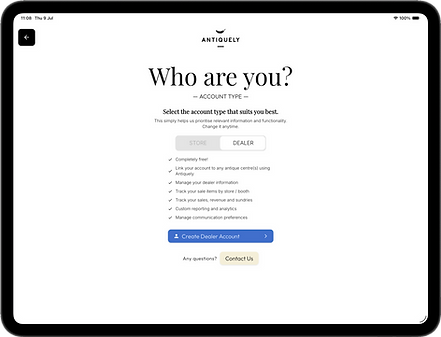
Dealers create an Antiquely account as normal, but instead select the 'Dealer' account type. This ensures the experience is tailored to their needs.
Dealers accounts are totally FREE.

| Connect
SYNC TO STORES
Once a dealer has an account, the store owner can 'link' a dealer record in their account to the Antiquely account of that dealer as long as the email address match. This ensures absolute store control on what store dealer information a linked dealer account can view.
This link can be broken at any time by the store.
| Anywhere
ALL STORES
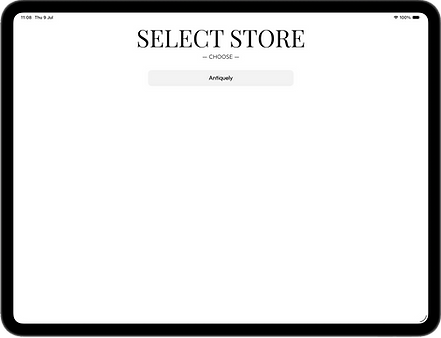
A dealer can be linked to any number of dealer records within any number of stores, all accessible from their one account.

| Personal
PROFILE
A dealer can view their dealer record details, even if they have multiple different records for different booths at a store.
| View
DEALER DATA
Dealers linked to stores can now view all their sales and analytics. This is separated by store. Certain dealer information can even be edited by a dealer such as name, however other values are only editable by the store owner. All the same export and analytics tools available for stores are available to dealers.


| Communications
EMAIL FREQUENCY
On a per store basis, dealers can choose how frequently they are emailed with performance metrics. This option can be edited by the store owner as well.
For a dealer to edit yourself, select a store you're linked to -> 'Analytics' tab -> select your name at the top of the screen -> select the booth you wish to edit -> click 'edit' button for that record -> update your email frequency, and save to exit.
